Skip to content

For makers with more spools than shelves

Know every spool. Price every print.

One place for your 3D Printing filament colours, the things you want to print, what each print really costs, and help when a print fails. Built by an passionate maker with many printers and many filament spools (and a 30 years of experience in software development!)

  • No credit card
  • English and French
  • Your data stays yours
Filament inventory 214 spools
  • Signal Orange#FF7A1A PLA Open 820 g
  • Arctic Cyan#22D3EE PETG Open 410 g
  • Hot Pink#FF3DA5 PLA Low 95 g
  • Matte Black#1C1C1E PETG Sealed 1 kg
  • Silk Rainbow#FF3DA5 +2 PLA Open 730 g
  • Forest Green#2F9E44 TPU Open 640 g
A preview with sample data.
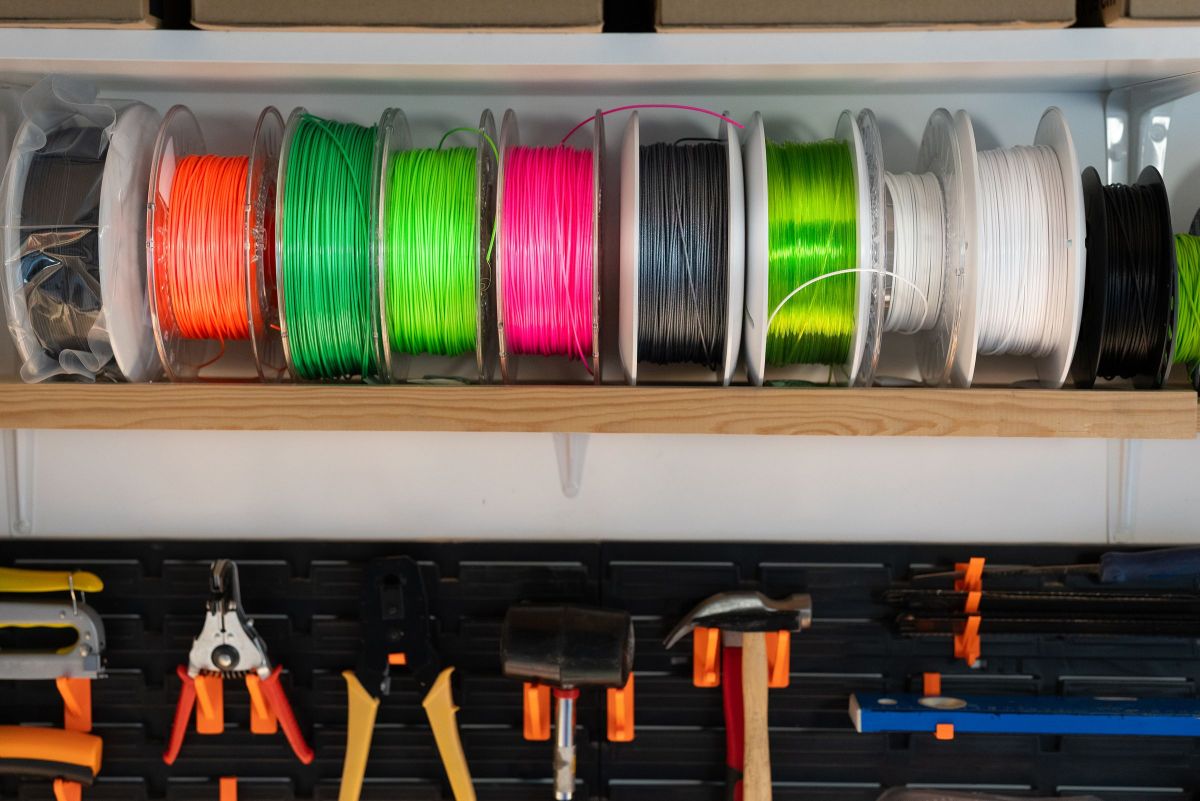
A shelf of filament spools in orange, green, pink, grey, white and black, above a wall of tools.

The problem

200 spools on the shelf. Which colours do you really have?

A spool looks full from the side. A colour looks different under shop lights. And nobody remembers what a print cost three months later.

  • Is there enough black PETG to finish the order?

    You find out at 80% of a nine-hour print.

  • You bought the same green twice

    The first spool was behind the orange ones.

  • What should you charge for it?

    Filament is the small part. Time, power and wear on the printer are the rest.

  • A failed print, and no idea why

    The fix is somewhere in a forum thread from 2019, between three answers that disagree.

What it does

Three tools that share one inventory

What you enter once is used everywhere: a colour in your inventory is a colour you can plan with and price with.

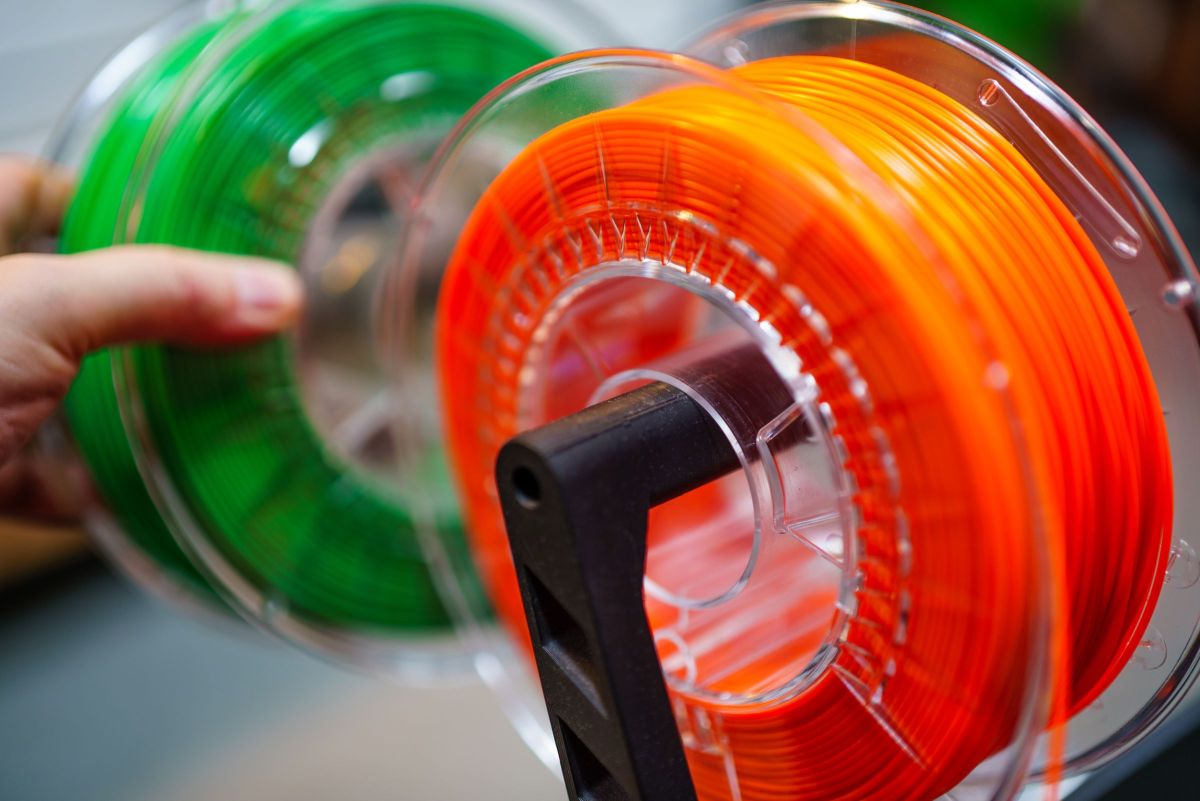
An orange spool and a green spool of filament on a holder, with a hand turning one of them.

Every spool, searchable

Record a spool in a few seconds and find it again by colour name, hex code, material or brand.

  • Colour name and hex code, with a swatch beside every spool
  • PLA, PETG, TPU, ABS and any material you add
  • Sealed or open, and how many grams are left
  • Fast entry: add ten spools of one brand without retyping
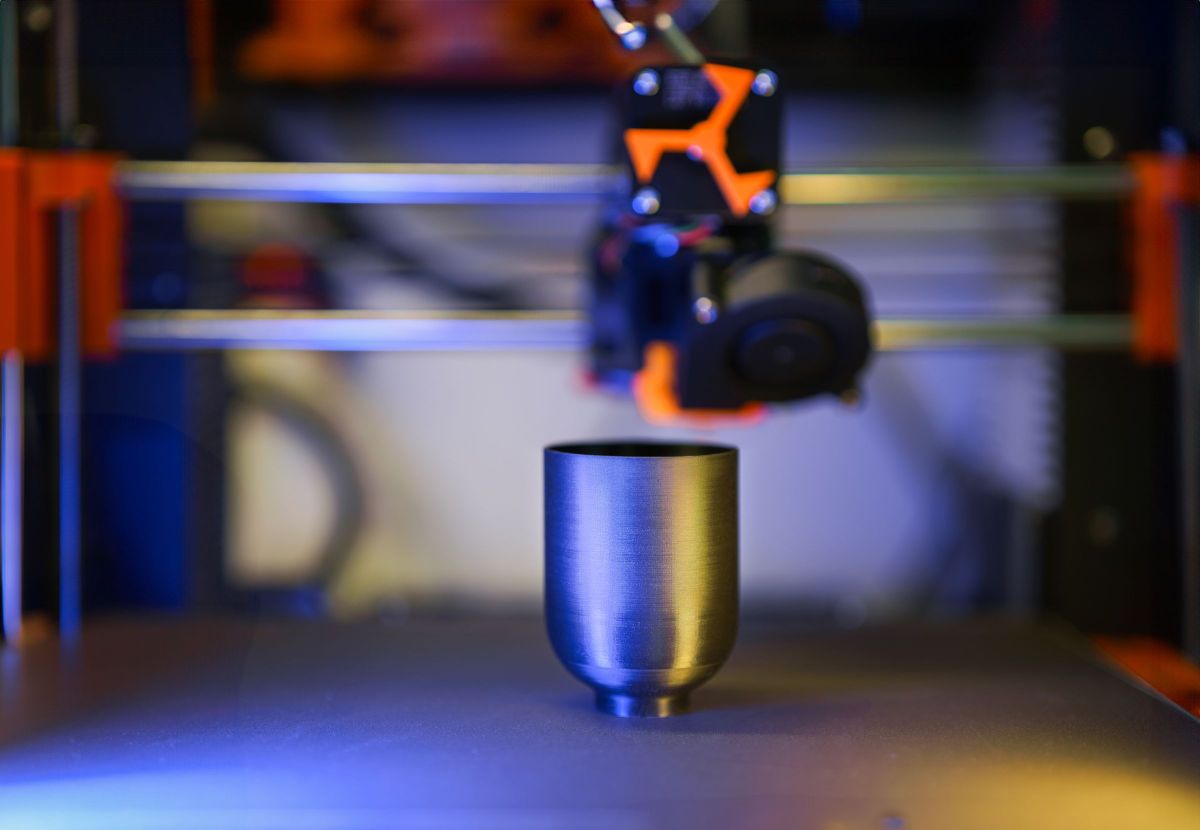
A finished silver cup on the bed of a 3D printer.

The things you want to print

Keep a list of what you plan to print, for yourself or for a client, with everything each item needs.

  • Personal or client project
  • Colours needed: material, colour and grams
  • Hardware needed: screws, bearings, wires, LEDs
  • A warning when your stock is too low to finish
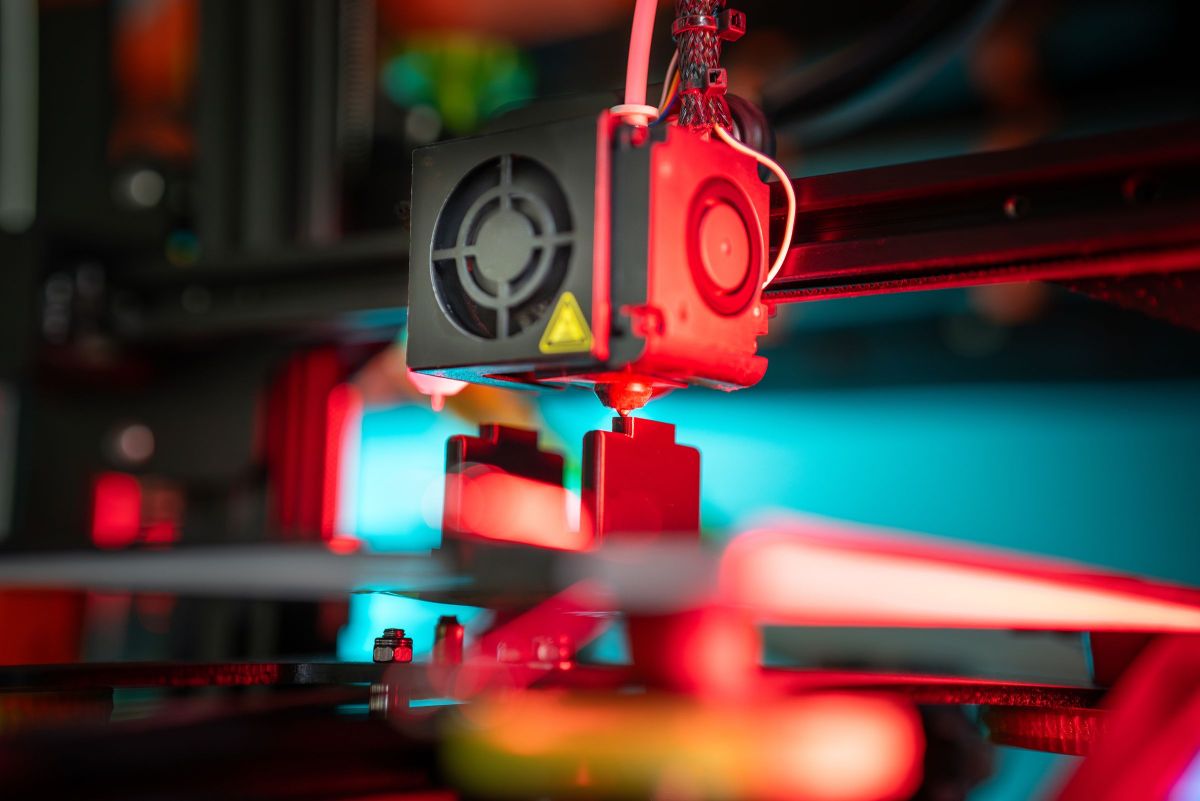
The nozzle of a 3D printer above a part, lit in red and cyan.

What it costs, and what to charge

Every item shows its cost as you build it. For client work, it suggests prices from 100% to 500% markup.

  • Filament, at the price you paid for each spool
  • Electricity and wear on the printer, by print time
  • Your labour and the hardware
  • Price, profit and margin at each markup

Try it

What does this print really cost?

Change any number. The cost and the suggested prices follow.

The print

g
per kg
h
W
per kWh
h
min
Slicing, setup, removing supports, packing. Not the print time.
per hour
Screws, bearings, magnets, wires, LEDs.

The cost

Filament
$7.50
Electricity
$0.20
Printer wear
$1.80
Labour
$15.00
Hardware
$6.32
Total cost
$30.82

Suggested prices

Markup Price Profit Margin
100% $61.64 $30.82 50%
150% $77.05 $46.23 60%
200% $92.46 $61.64 66.7%
250% $107.87 $77.05 71.4%
300% $123.28 $92.46 75%
400% $154.10 $123.28 80%
500% $184.92 $154.10 83.3%

Markup is a share of the cost. Margin is a share of the price. A 100% markup doubles the cost and gives a 50% margin.

Price my own prints

When a print fails

Stuck on a print? The help is built in.

A guide to the common failures of filament and resin printing, an assistant that asks the right questions, and the addresses makers trust. Included in every membership.

Troubleshooting assistant

My PETG leaves thin hairs between the parts.

Did it get worse after the spool sat open for a few days?

Most likely

Wet filament

Dry the spool at 65 °C for 6 hours, then print a stringing test.

Still stuck? Ask Claude, with a photo of the print.

A preview with a sample conversation.

An assistant that asks before it answers

Describe what you see in your own words, in English or in French. The assistant finds the matching problems, asks a few questions, and ranks the likely causes with their fixes.

  • It knows your printer, your material and when your spool was last dried
  • Claude, an AI, takes over when the guide is not enough, and reads photos of the print
  • Claude answers about 3D printing only, and only after you agree
  • Your conversations are encrypted, and removed 90 days after the last message

Troubleshooting guide

68 problems of filament and resin printing, each with its causes from most to least likely, its fixes and the slicer settings to change.

  • Stringing: hairs between parts
  • Warping: corners lift
  • Layer shifting
  • Resin print stuck to the FEP film

Maker resources

100 links sorted by use: model sites, design software, slicers, calibration, communities, Canadian suppliers and French-language channels. Every link is checked each month.

Printer guide

41 hobby printers for filament and resin, the ones on sale and the ones just announced, with the technology each uses, what it does well and its price range.

Who it is for

Built for the workbench

Hobbyists

You print for yourself and want to know what you have before you order more.

Market and online sellers

You sell prints and need a price that covers more than the filament.

Small print farms

Several printers, many orders, and spools that run out at the wrong moment.

Makerspaces and schools

A shared shelf of filament that everyone uses and nobody counts.

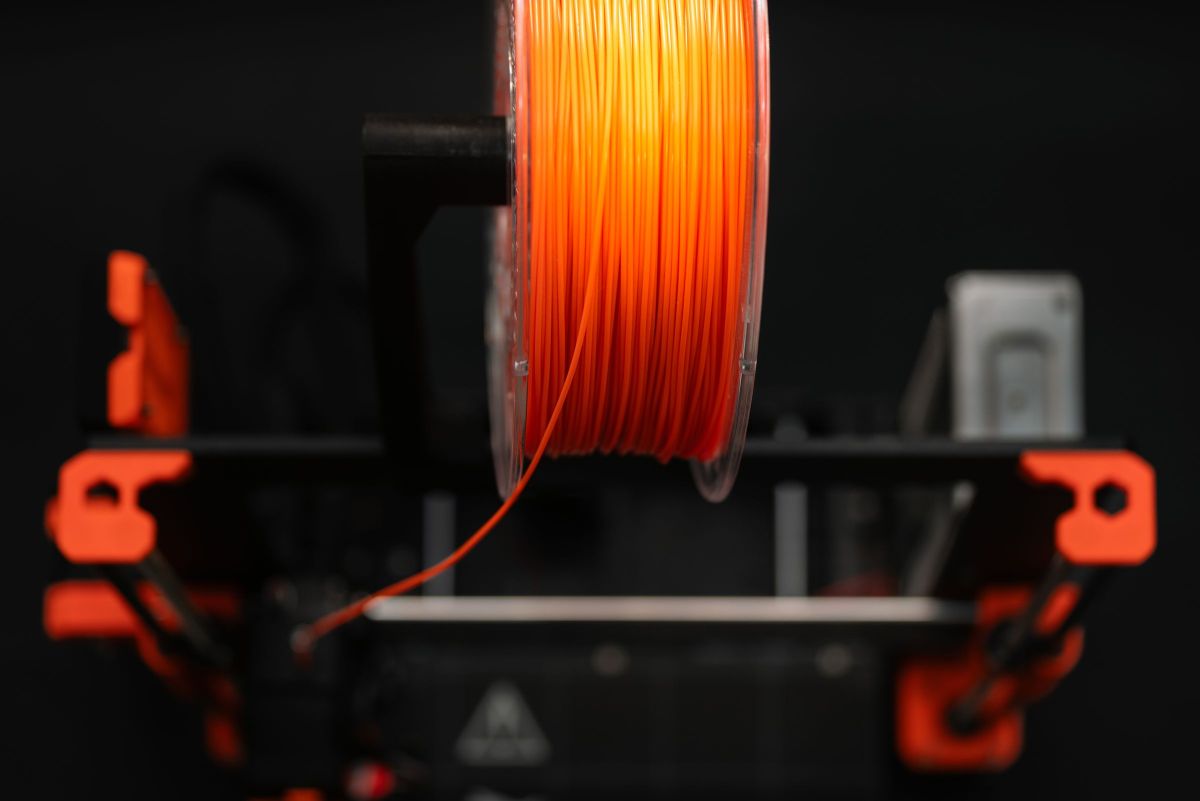
An orange spool feeding filament down to a printer, on a black background.

How it works

From shelf to price in three steps

  1. Record your spools

    Brand, material, colour and weight. Keep the brand and material between entries and add a whole shelf in one sitting.

  2. List what you want to print

    Name the item, choose its colours and grams, and add the hardware it needs.

  3. Read the cost and the price

    The cost is calculated as you go. For a client, pick the markup that suits you.

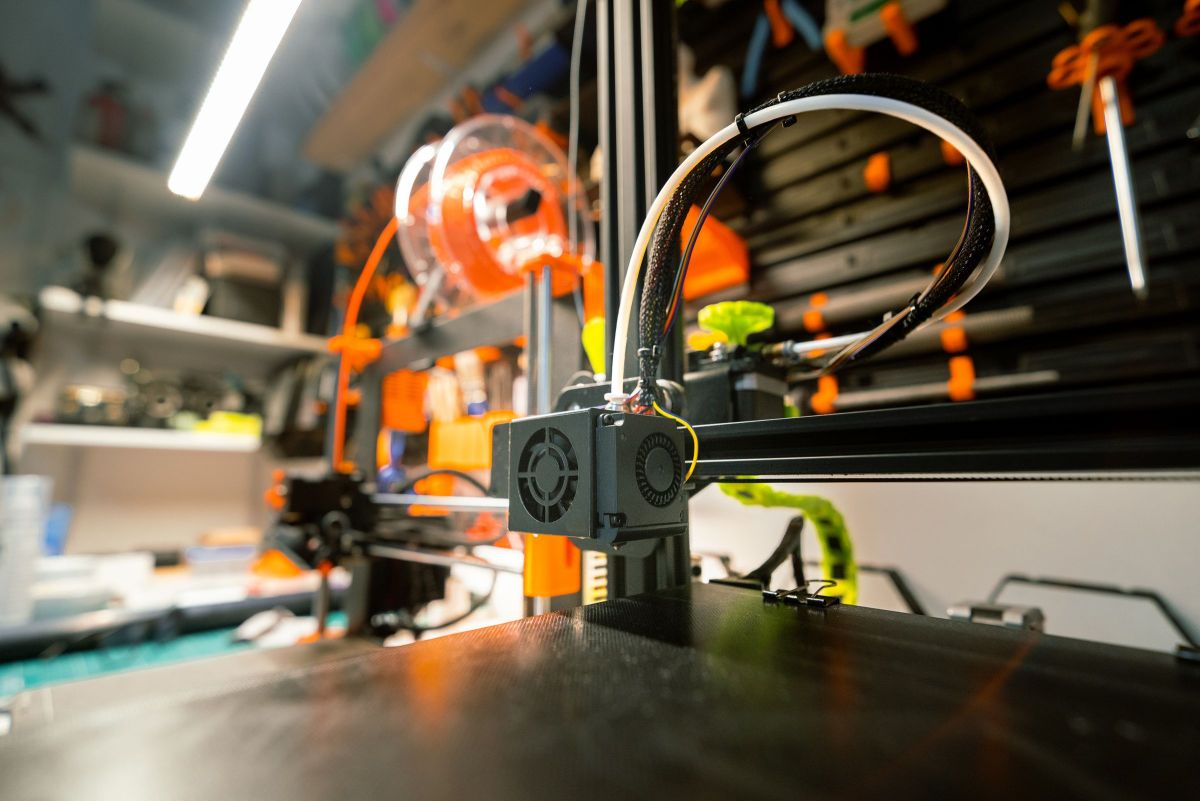
A 3D printer on a workbench, with a spool of orange filament and tools on the wall behind it.

Pricing

One plan. Everything included.

No tiers, no limits on spools or projects, no feature kept for a higher price.

All inclusive

US$89.90 per year

That is US$7.49 per month. 2 months free

US$8.99 per month

Billed every month.

Start your 7-day free trial

Free for 7 days. No credit card. When the trial ends, your data stays readable.

What is included

  • Filament spools and colours without limit
  • Items to print and clients without limit
  • Cost and pricing calculator
  • Printers, with wear counted in every price
  • English and French
  • Two-step verification on every account
  • Troubleshooting guide and assistant
  • Maker resources and printer guide

Prices are in US dollars. Taxes may apply.

Questions

Before you start

No. You give an email address, choose a password, and the free trial starts.

Your account becomes read-only. You can still log in and see everything you entered, but you cannot add or change anything until a membership is active. Nothing is deleted.

Any. PLA, PETG, TPU and ABS are there from the start, along with ASA, nylon, PC and others, and you can add your own.

Yes. A filament can have up to 8 colours, each with its own hex code.

Only you. Every account is separate. Names, addresses, phone numbers and emails of your clients are stored encrypted. The site administrator sees your account and membership, never your inventory, projects or clients.

Not yet. You enter the grams and the print time that your slicer shows.

Yes, the whole site and every email, in Canadian French. You can switch at any time.

At any time. Your account then becomes read-only at the end of the period you paid for.

Count your spools once. Know them from then on.

7 days free, no credit card.

Start free trial